
Jefferson County VINELink Coverage
Georgia rolled out VINE through its Criminal Justice Coordinating Council on March 11, 2024. The state partnered with Appriss. Real-time notices arrive by phone, text, and web, and multilingual support is included. To see whether a Jefferson County person or facility appears, the live VINELink Georgia person search is the screen to use.
Coverage still has limits. The Jefferson County Sheriff's Office publishes no VINE page of its own. There is no Jefferson-specific list of connected facilities. Statewide deployment does not promise that every county booking, city arrest, or transfer reaches the feed. What appears depends on each agency's data and the event types it sends. A missing result can simply mean a delay. It can also mean a name spelled differently, a transfer already done, or a record that is restricted.
Run a Jefferson VINELink Check
Enter one lawful name or identifier, and keep personal details out of public view. VINELink finds a single record. It does not build lists of arrested people. Labels on the screen can change, since the interface is dynamic. Read any result against the facility and the time of the check. The custody status and source state matter too.
- Open the Georgia person search and confirm that Georgia is selected.
- Choose the available person, offender, or custody search option shown.
- Enter the name or identifier as accurately as the system allows.
- Compare multiple matches by facility, identifier, and other lawful details.
- Open the matching record and note the current status and source time.
No match? Try a few name spellings and consider a transfer. Then call the Jefferson County Jail at 478-625-7077 for current local custody. Because the county posts no online daily roster, the Arrests Last 24 Hours page explains the official same-day fallback. The CJCC statewide VINE announcement appears below.
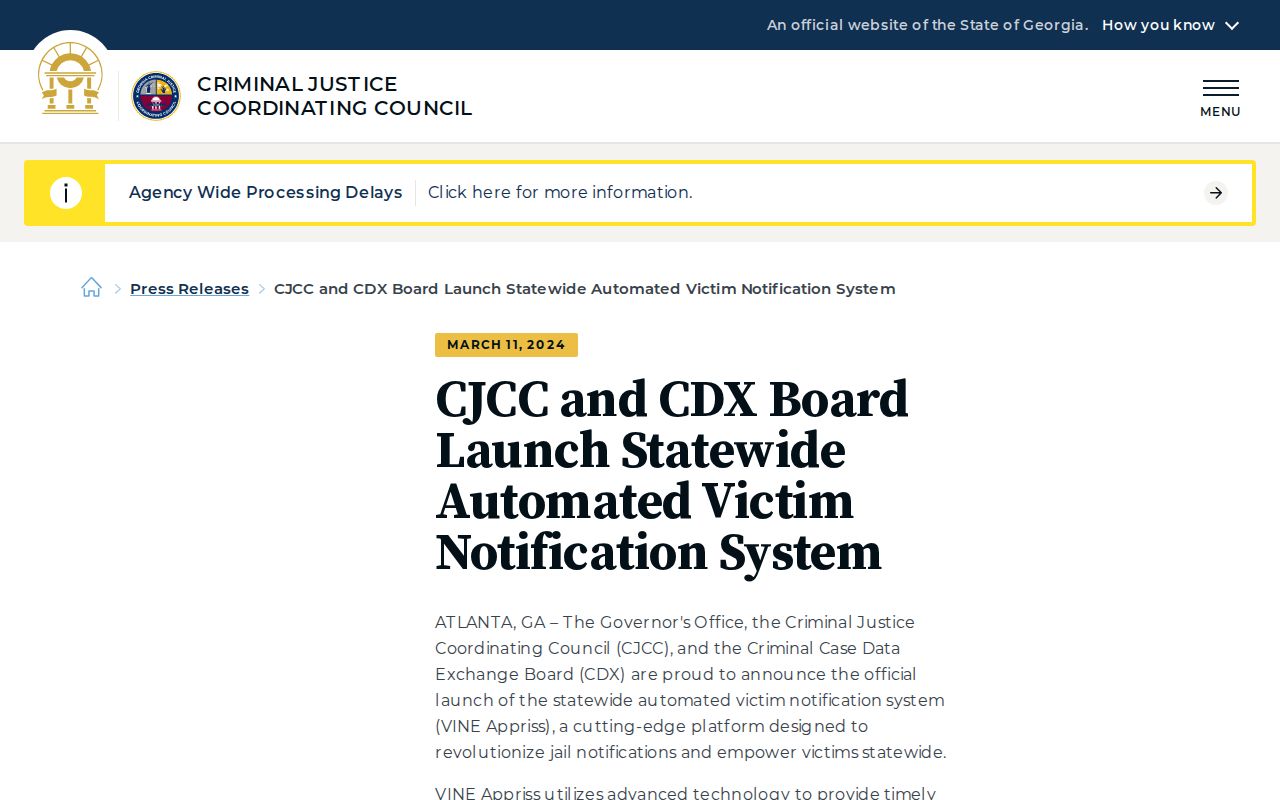
The announcement confirms the service exists statewide. Jefferson County coverage is another matter, and only the live search can answer it.
Jefferson VINELink Result Fields
Fields vary by record and by the current screen. Treat any list of them as things to inspect if shown, since a Jefferson County result may not contain every field.
| Possible field | Meaning and limit |
|---|---|
| Name or identifier | Helps distinguish the intended person from another match. |
| Custody status | A time-sensitive state reported through the feed. |
| Facility or county | Shows the location or agency associated with the result. |
| Offender or record ID | Supports a more precise match when available. |
| Release or transfer event | May trigger an alert if that event is supplied. |
| Notification controls | May allow registration for selected custody changes. |
A VINELink status is not a full booking record. It may omit the incident report, the booking photograph, some charges, or bond details. The final court outcome can be left out too. The official record sits with its creator. The JCSO Records Division holds it, and so does the city agency that made the arrest. For the legal result later on, turn to the Jefferson County Clerk or the court handling the case.
Register for Georgia Custody Alerts
When a record offers notification controls, registration opens up. This is a victim-notification service. It is not a mugshot subscription or a county arrest gallery. Phone, text, and email channels may be offered, and the screen may ask for a language choice plus a PIN or an acknowledgement step.
- Confirm the record matches the correct person and facility.
- Select the notification or registration option shown on that record.
- Choose an available phone, text, or email destination.
- Set or record the requested PIN or acknowledgement detail.
- Complete verification and retain the registration confirmation.
Only enter contact details on the official VINE interface. Alerts can lag behind the event itself, because VINE relies on agency data. Signing up does not unlock protected records, change custody, or replace a call to the jail. The official VINELink entry page is below.
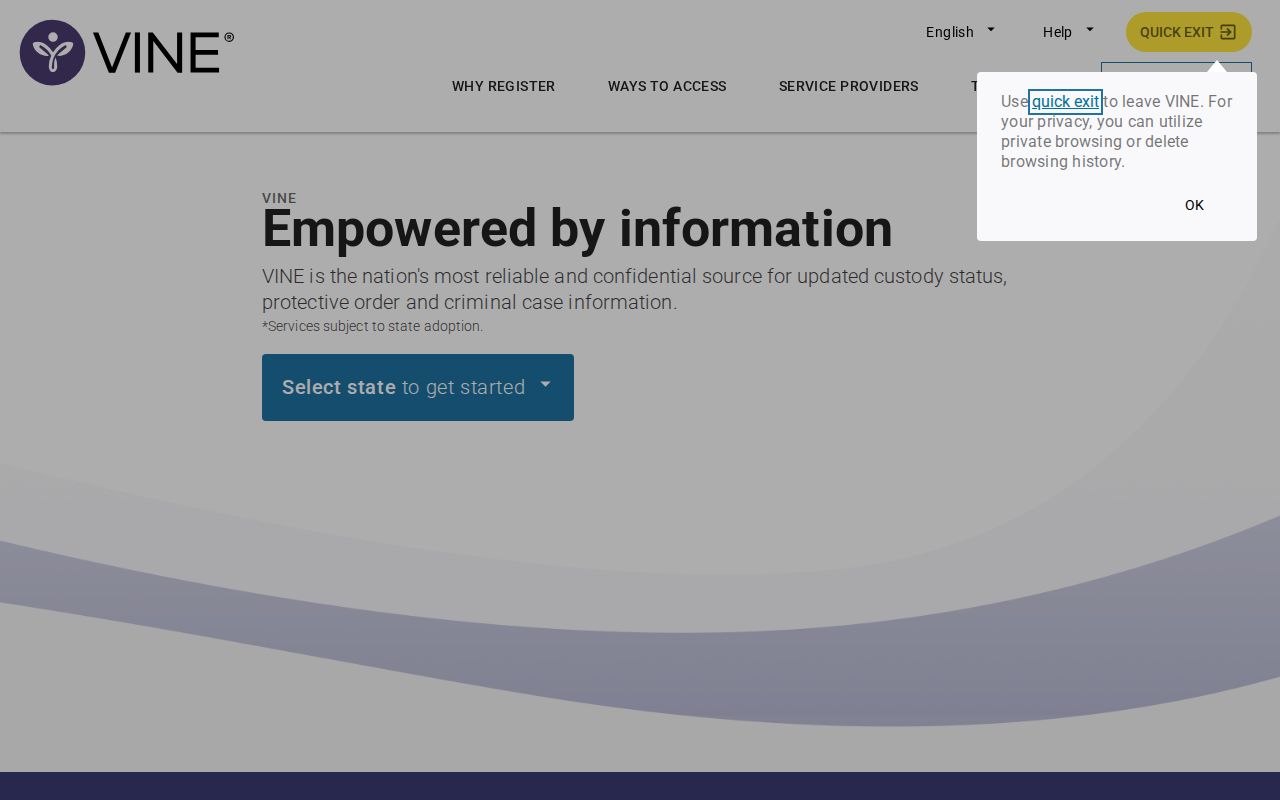
The landing page starts the official search and registration path. No gallery of booking records is displayed there.
Georgia VIP Is a Separate Track
Georgia's VIP program handles state prison and parole notifications. The Office of Victim Services runs it. It works with a six-digit case or EF number, or a GDC identifier. It can report incarceration status, parole eligibility, and scheduled or maximum release dates. That scope sits far past a fresh Jefferson County booking.
The two tracks are simple to separate. Use VINELink for an available county custody event. Use VIP once the person has entered state prison or parole and the identifier is known. The Georgia Department of Corrections offender search covers that state-custody side as well. Neither system serves as Jefferson County's same-day jail roster.
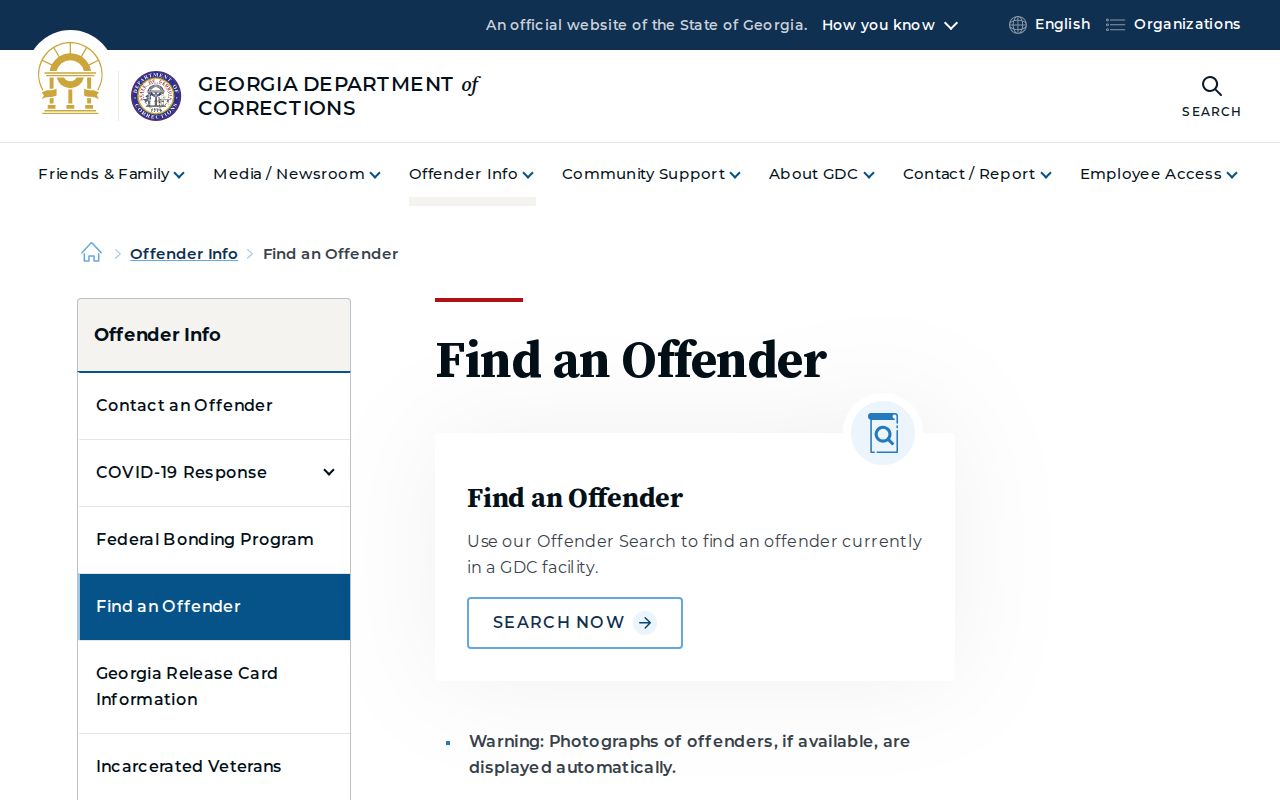
That state source applies after commitment or transfer to GDC custody. A local arrest alone does not put someone in it.
Confirm Jefferson Custody Directly
VINELink does not replace the Jefferson County Jail. It is not the federal Bureau of Prisons locator either. Federal custody instead runs through a set of entirely separate government systems. Someone arrested locally can be transferred or released. They might be held for another agency or booked under a name variation. Each of those events can shift what a search returns.
For local custody, call the jail at 478-625-7077. For a county booking or inmate record, contact JCSO Records at 478-625-7538. You can also use the county Open Records form. Disposition questions go to the proper court. If the person sits in GDC custody, use the GDC search. Each channel marks a different point in the life of a record.
Note: Write down the time of every check, since custody and alert status can change once a source has been viewed.
When Jefferson VINELink Finds Nothing
An empty result is a prompt, not an answer. Check the state selection first. Then retype the name, since suffixes, odd spacing, and the spelling recorded at booking can throw off a match. Shared names are common. When Jefferson VINELink returns several people, sort them out with only the lawful identifying details the service itself displays. Never merge two records because the names look alike. Timing matters too. Someone arrested in a Jefferson County municipality may still be riding in transport or sitting in booking, so nothing posts yet. Other possibilities include release before the search, a transfer outside the county, another holding agency, or exclusion from public results. The Jefferson County Jail can settle local custody with one call. Ask JCSO Records. The arresting police department holds the official record when a phone answer is not enough. A sentenced person belongs to GDC, not the county. Federal custody runs through the Bureau of Prisons, and court outcomes live with the county clerk or the municipal court, never with VINELink.
Manage Jefferson Custody Notifications
Save the registration confirmation. Note which event types the screen offered. Release, transfer, escape, and return-to-custody labels depend on the record and the agency feed. An option you assume exists may not. If your phone number or email changes, update it through the official service whenever that control appears. Write the PIN down somewhere private. It can verify or acknowledge a telephone notification, though its exact role varies by channel. An alert that never arrives needs checking. Open the live status and call the facility before assuming something went wrong. VINE itself is blunt about limits. Notification builds awareness; it cannot replace direct safety planning or official confirmation. Alerts track events, not case outcomes. For a dismissal or a verdict, continue to the proper Jefferson County court record. Log the date and time of both the VINE check and any facility confirmation. Treat alert destinations like any private contact data. Use a phone number or email the registrant controls. Read every confirmation message, and keep the PIN out of public notes. A shared device can expose sensitive alerts, so pick a safer destination the official interface supports. The statewide announcement mentions multilingual access. Confirm exact language and delivery choices on the current screen. A transfer alert names a destination. Read it before making another call. A move to GDC changes the lookup source, while a move to another local facility may need confirmation there. A release alert describes custody only. It cancels no case, bond term, protective order, or court date; those questions belong with the court or qualified counsel, not the notification platform.